



Most corporate MFA policies were designed with one assumption baked in: employees have a smartphone. For a significant portion of the workforce, that assumption is wrong – not because of personal preference, but because of company policy.
1. The Industries Where Phones Are Already Banned
This is not a hypothetical. Across several major verticals, personal phones are prohibited in the work environment as a matter of compliance, client contract, or security policy:
- Finance and insurance trading floors: Personal devices are banned to prevent data leakage, unauthorized recording, and insider trading risk. This is standard practice, not an edge case.
- BPO and call centers: Client contracts frequently prohibit personal devices on the floor to protect sensitive customer data. Agents handling financial, healthcare, or government data work under strict no-phone policies.
- Healthcare: Certain clinical and administrative environments restrict personal devices around patient data systems to support HIPAA compliance.
- Government and defense contractors: Controlled unclassified information (CUI) environments often require that no personal devices enter the workspace at all.
In all of these environments, an MFA policy that defaults to “check your phone” is not just inconvenient – it is operationally broken from day one.
2. The Hidden Policy Gap
Here is where the blind spot appears. Many organizations in these verticals do have an MFA policy. They just haven’t stress-tested what happens when the default method is unavailable.
The typical result is one of three outcomes, none of them good:
- The policy exists on paper but enforcement is inconsistent – users who can’t complete MFA are granted access anyway through a support bypass
- Phone-based 2FA/MFA is technically prohibited but practically unavoidable – employees use personal phones because there is no alternative, creating a BYOD shadow policy
- 2FA/MFA simply isn’t enforced for affected users – creating an unprotected segment of the workforce that auditors will eventually find
3. Also: Employees Can’t Be Forced to Use Personal Phones
Even in environments where phones are allowed, there is a separate issue that is increasingly relevant: in many jurisdictions, employees cannot be legally required to install company software on personal devices. Combined with growing awareness of BYOD privacy implications, this means:
- Phone-based 2FA/MFA cannot be the only option in any compliant, employee-respecting policy
- Organizations must have at least one compliant MFA method that does not depend on a personal device, not as a fallback, but as a primary option
The phone-based MFA options – Microsoft Authenticator, Google Authenticator, SMS OTP, Push – can remain available for employees who choose them. But they cannot be the foundation of the policy, and can’t be legally enforced.
4. The Compliant Path Forward
Closing this blind spot requires at least two MFA methods that work without a personal phone. In practice, the viable options are:
- FIDO2 hardware security keys (YubiKey): The highest-security option. Best suited for privileged accounts and environments with the logistics to support hardware distribution and management.
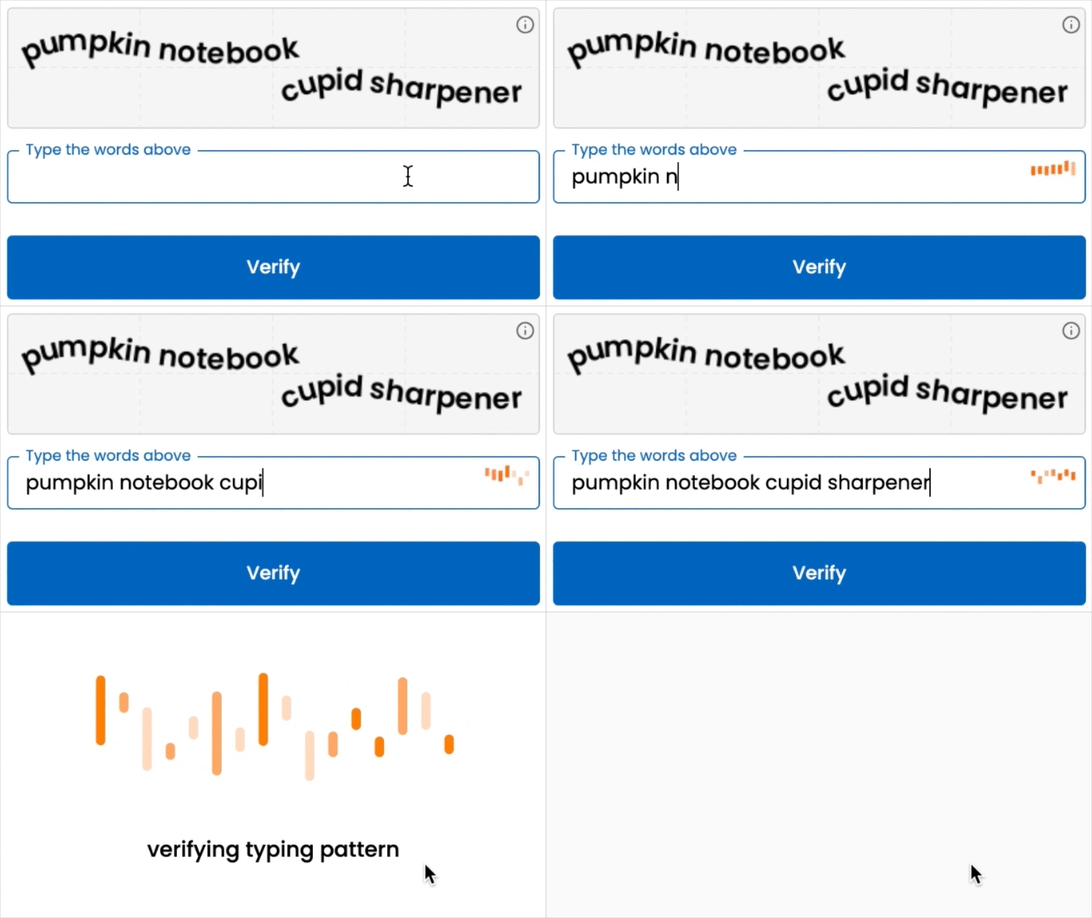
- Typing biometrics (TypingDNA Verify): A behavioral biometric second factor that requires nothing beyond the keyboard the employee already uses. No hardware, no phone, no app. Integrates natively with Microsoft Entra ID, Okta, Ping Identity, ForgeRock, Keycloak, and others. Already accepted in finance, insurance, and BPO environments where phones are banned.
For most organizations, the right answer is to deploy both – hardware keys primarly for high-privilege users, typing biometrics for the general workforce – and make phone-based methods optional rather than required. This closes the compliance gap, respects employee privacy, and ensures that no segment of the workforce is left unprotected.
5. Conclusion: The Blind Spot Is a Policy Choice
The corporate 2FA blind spot is not a technical problem. The solutions exist, are mature, and integrate with the IAMs enterprises already use. It is a policy design problem, one that occurs when MFA requirements are written without accounting for the environments where phones cannot be present.
Every organization should be able to answer one question cleanly: if every employee’s personal phone disappeared tomorrow, would MFA still work for everyone? If the answer is “no“ or “it depends” – the blind spot is real, and it is open right now.
Want to see the difference?
Contact us for a 30-day pilot and experience MFA that works without a phone in sight.